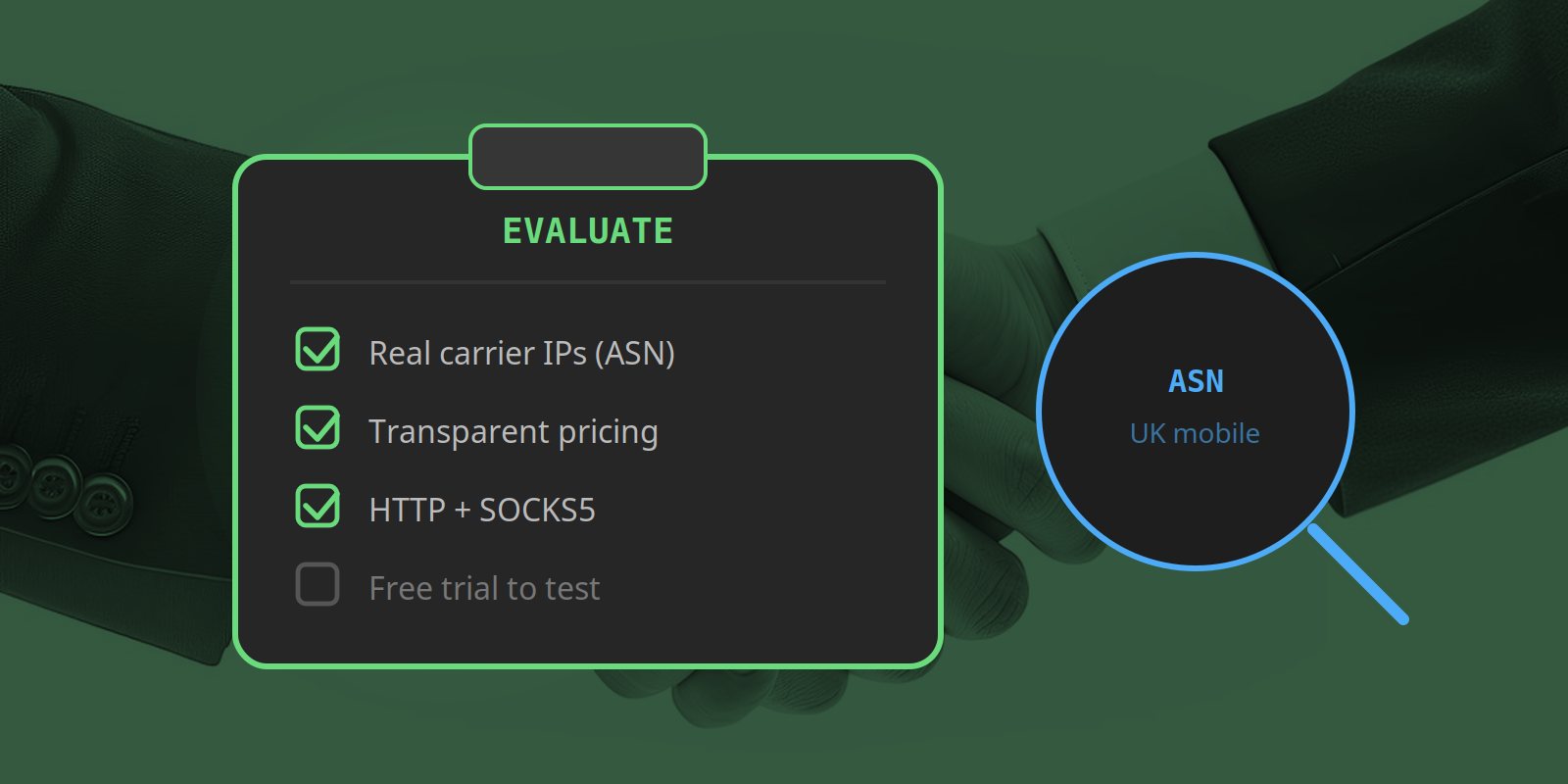
The mobile proxy market is crowded and deliberately opaque. Providers throw around “millions of IPs”, “99.99% uptime”, and “rotating residential” until the words lose all meaning — and the pricing pages are often a maze of minimum commitments and overage fees designed to make comparison hard.
This guide is vendor-neutral. Whether you end up choosing Simply Proxies or a competitor, the goal is to give you a repeatable evaluation process: what to look for, what questions to ask, which red flags to walk away from, and a scorecard you can apply to any two providers side by side.
For the basics on what mobile proxies are and how they differ from residential and datacentre proxies, start with our introduction to mobile proxies first.
Start With Your Use Case, Not the Provider
The single most common mistake is shopping for “the best proxy” in the abstract. There is no best proxy — only the best proxy for a specific job. Before you compare vendors, write down your actual requirements:
| Question | Why it matters |
|---|---|
| Which country/region do I need? | Geography is non-negotiable. A US mobile IP will not show UK-specific content. |
| How much data per month? | Decides whether PAYG or an unlimited plan is cheaper. |
| Do I need one stable IP or many rotating ones? | Account logins need sticky sessions; bulk scraping needs rotation. |
| HTTP, HTTPS, or SOCKS5? | Some tools only speak SOCKS5; some sites need HTTPS CONNECT. |
| What is my blocking tolerance? | High-value targets need real carrier IPs, not datacentre approximations. |
Once you can answer those five questions, you can filter the market down to a shortlist in minutes instead of weeks.
The Single Most Important Question: Hardware vs. SDK Pool
Almost every other feature is secondary to this one architectural distinction, because it determines how “real” the IPs actually are.
SDK / peer-to-peer pools (the majority of the market): providers like Bright Data, Decodo, and SOAX aggregate IPs from a network of real devices — often via an SDK embedded in a free app, or a peer network that pays users for their bandwidth. Your traffic is routed through whichever device in the pool happens to be available. You are one of many customers sharing those IPs.
Dedicated hardware (a minority of providers): a smaller number of providers operate actual physical devices — real phones on real SIM cards — and route your traffic through those dedicated connections. You get a genuine mobile connection from a specific carrier.
Neither is inherently “wrong”. Pools give you enormous IP diversity and scale; dedicated hardware gives you cleaner connection profiles and more consistent geolocation. The key is that the provider tells you which one they are. Providers who are vague about their infrastructure are usually hiding that they are reselling pooled traffic.
Rule of thumb: if a provider cannot or will not explain where their IPs come from, assume pooled/SDK and price accordingly.
The Evaluation Checklist
1. Genuine carrier IPs (verify, don’t take their word)
Every provider claims “mobile IPs”. Verify it. Every IP address belongs to an Autonomous System (ASN), and the ASN tells you whether the IP is owned by a mobile carrier, a residential ISP, or a cloud provider. Before you commit, connect through the proxy and check the IP on any whois or ASN lookup tool. If the ASN says “Amazon”, “DigitalOcean”, or a hosting company, you are not getting a mobile IP — you are getting a datacentre IP re-labelled as mobile.
Reputable providers will happily give you a test IP or a free trial so you can run this check yourself. Providers who refuse are a red flag.
2. Protocol support (HTTP + SOCKS5)
HTTP/HTTPS proxies are fine for web requests, but a surprising number of tools — some scraping frameworks, SSH tunnelling, certain chat clients — require SOCKS5. If a provider only offers HTTP, you may paint yourself into a corner later. Prefer providers that offer both natively. For a deeper comparison, see our post on SOCKS5 vs HTTP proxies.
3. Rotation vs. sticky sessions
Most providers rotate IPs by default — a different exit IP on each request, which is great for bulk scraping. But many real-world tasks break when the IP changes mid-session: logging into an account, completing a checkout, running a multi-step flow. For those you need sticky sessions — the ability to pin to one IP for a window of time.
Check three things: does the provider support sticky sessions at all? How long is the window (30 minutes? 2 hours? days?)? And is it included in the price or an upsell? Sticky sessions that cost extra, or have a tiny window, are a meaningful limitation for social-media and account-management use cases.
4. Pricing transparency
This is where providers differ the most. Watch for:
- Per-GB vs. unlimited. PAYG rewards efficient scraping; unlimited plans reward heavy, constant use. Know your monthly volume before choosing.
- Minimum commitments. “From $2/GB” often means “from $2/GB if you commit to 800 GB/month”. The headline price is rarely the price a small buyer pays.
- Overage fees. What happens when you exceed your plan? Some providers charge punitive per-GB overages.
- Setup fees and “IP rotation” charges. Rotation should be a free feature, not a billed extra.
A fair provider publishes their full pricing — including the small-buyer rate — on a single page. Ours is on our pricing page: a flat per-GB rate with no minimum commitment and no hidden overages.
5. Reliability, uptime, and support
Ask for evidence, not adjectives. “99.99% uptime” is meaningless unless there is a public status page or a monitoring source backing it up. For support, the practical questions are: what are the response-time SLAs, what channels are available (email, chat, ticket), and is there anyone on call outside business hours? Mobile proxy infrastructure is physically distributed across devices and SIM cards, so things do occasionally break — the question is how fast the provider notices and fixes it.
6. Transparency and trust signals
Legitimate businesses act like legitimate businesses. Look for: a registered legal entity (not just a domain and a Discord), published terms of service and privacy policy, a real company address, verified payment processors (Stripe/PayPal, not crypto-only), and a public explanation of their infrastructure. Anonymity is cheap on the internet; a provider who hides behind it is a risk to your data and your money.
7. A real free trial or test credential
The only way to know if a proxy works for your targets is to test it against your targets. A provider confident in their product will offer a free trial (a few hundred MB is enough) or a low-cost test tier. If the only path to entry is a large upfront payment with no refund, that is a provider who knows their product does not survive scrutiny.
Red Flags: When to Walk Away
- “Residential” and “mobile” used interchangeably. They are different products at different price points. A provider conflating them is either confused or deceptive.
- Prices far below market. Real SIM data costs money. If a provider is dramatically cheaper than the cheapest reputable competitor, the IPs are almost certainly datacentre or compromised.
- No ASN verification possible. If they will not let you check a single IP’s ASN before paying, the “mobile” claim is fiction.
- Crypto-only payments, no legal entity. Fine for hobby use; unacceptable if you are spending real money or routing business traffic.
- Unlimited plans with no fair-use clause published. “Unlimited” that is secretly capped (and then throttled) is the oldest trick in the proxy market.
- Pressure to commit annually before any trial. A provider confident in retention does not need to lock you in up front.
A Provider Scorecard You Can Reuse
Turn the checklist above into a simple weighted scorecard so you can compare any two providers objectively instead of by gut feel. Score each from 1 (poor) to 5 (excellent):
| Criterion | Weight | Provider A | Provider B |
|---|---|---|---|
| Genuine mobile carrier IPs (ASN-verified) | 25% | _ / 5 | _ / 5 |
| Pricing transparency (no hidden min/overage) | 20% | _ / 5 | _ / 5 |
| Protocol support (HTTP + SOCKS5) | 10% | _ / 5 | _ / 5 |
| Sticky-session control + window length | 10% | _ / 5 | _ / 5 |
| Reliability / uptime evidence | 15% | _ / 5 | _ / 5 |
| Support responsiveness | 10% | _ / 5 | _ / 5 |
| Trust signals (legal entity, ToS, payments) | 10% | _ / 5 | _ / 5 |
Apply the weights, total the score, and the winner is usually obvious — and far more defensible than a decision made from a sales call.
How Simply Proxies Scores Against This Checklist
We built Simply Proxies precisely because most providers fail several of the checks above. So in the spirit of the guide, here is where we land:
- Carrier IPs: real UK providers’ SIMs on dedicated devices — ASN-verifiable on a free trial.
- Pricing: a flat £2.00/GB (down to £1.60/GB at 50 GB), published in full on our pricing page, with no minimum commitment and no overage fees.
- Protocols: HTTP/HTTPS and SOCKS5 both supported natively.
- Sticky sessions: free for all customers, up to 12 hours, on both protocols.
- Trust: a UK-registered limited company (Hunt-Benito Ltd.), Stripe and PayPal verified, with published Terms and Privacy Policy. Our engineering team publishes its security and scraping research at the Hunt-Benito blog.
- Trial: 500 MB free, no card required — enough to ASN-check the IP and test it against your real targets.
- Reliability: a public status page monitors the website, portal, proxy, and billing endpoints and updates automatically when anything is down — live, checkable evidence rather than a “99.99% uptime” claim.
We do not pretend to be the right choice for everyone. If you need millions of IPs across dozens of countries, a large pooled provider is a better fit. But if your use case is UK-focused and you value transparent per-GB pricing on real hardware, we score well — and you can verify every claim on the free trial.
Summary
Choosing a mobile proxy provider comes down to a disciplined process, not brand recognition. Start from your use case, verify the IPs are genuinely mobile (ASN check), insist on pricing transparency and protocol coverage, demand a real trial, and apply a scorecard so the comparison is objective. Walk away from providers who are vague about infrastructure, pressure you into annual commits, or refuse to let you test before paying. Do that and you will avoid the vast majority of bad outcomes in this market.
Test the Checklist Yourself
Get 500 MB free on Simply Proxies — ASN-check the IP, run it against your real targets, and apply the scorecard before you spend a penny.
Start Free Trial