AI agents do more of the web's reading every month: browsing assistants summarising news, deep-research pipelines verifying sources, monitoring bots checking prices and search results, and homegrown agents built on LLM frameworks that fetch pages as part of their reasoning loops. Two obstacles keep coming up: geo-restrictions (the agent needs to see what a UK visitor sees) and anti-bot defences that block datacentre IP ranges on sight.
A UK mobile proxy solves both at once. Every request exits through a real 4G/5G device on a real UK mobile network, so the target site sees the same class of IP address as an ordinary UK smartphone user: carrier ASN, mobile TTL profile, clean history. This guide shows how to wire an agent, script, or LLM pipeline into one, with practical code for the patterns agents actually use.
The examples use Simply Proxies, but the patterns apply to any standards-compliant proxy endpoint.
Why agents specifically benefit from mobile IPs
Anti-bot systems score every request on signals they can see. A mobile exit IP changes several of those signals at once:
| Agent problem | What a UK mobile IP does |
|---|---|
| Geo-blocks ("not available in your region") | You appear as a UK visitor; UK pricing, UK search results, UK content variants all render. |
| Datacentre ASN blocks (AWS, Azure, OVH ranges are pre-banned on many sites) | Carrier ASNs (EE, Vodafone, O2, Three) are not on those blocklists; traffic looks like a phone on mobile data. |
| Aggressive rate limiting per IP | Rotation spreads requests across devices; each exit IP starts with a clean budget. |
| Login flows that break when the IP changes | Sticky sessions pin one device (same exit IP) for hours, so authenticated agent sessions stay coherent. |
| Bursty, unpredictable volume | Pay-per-GB metering means idle hours cost nothing; there is no per-port rental to justify. |
No special integration needed (and where MCP fits)
A proxy is transport-level configuration, not a tool integration. Any HTTP client, framework, or agent runtime that honours standard proxy settings can use one immediately: there is no SDK to install and no vendor API to learn.
This also answers a question we hear from developers building with the Model Context Protocol (MCP): you do not need a proxy "MCP server" for your agent to use a proxy. MCP connects an AI application to external tools and data sources; a proxy sits below that layer, moving the bytes. Configure the agent's HTTP client once and every fetch, search, and crawl goes through the UK exit automatically, whatever tool-calling protocol sits on top.
Point an agent at the proxy
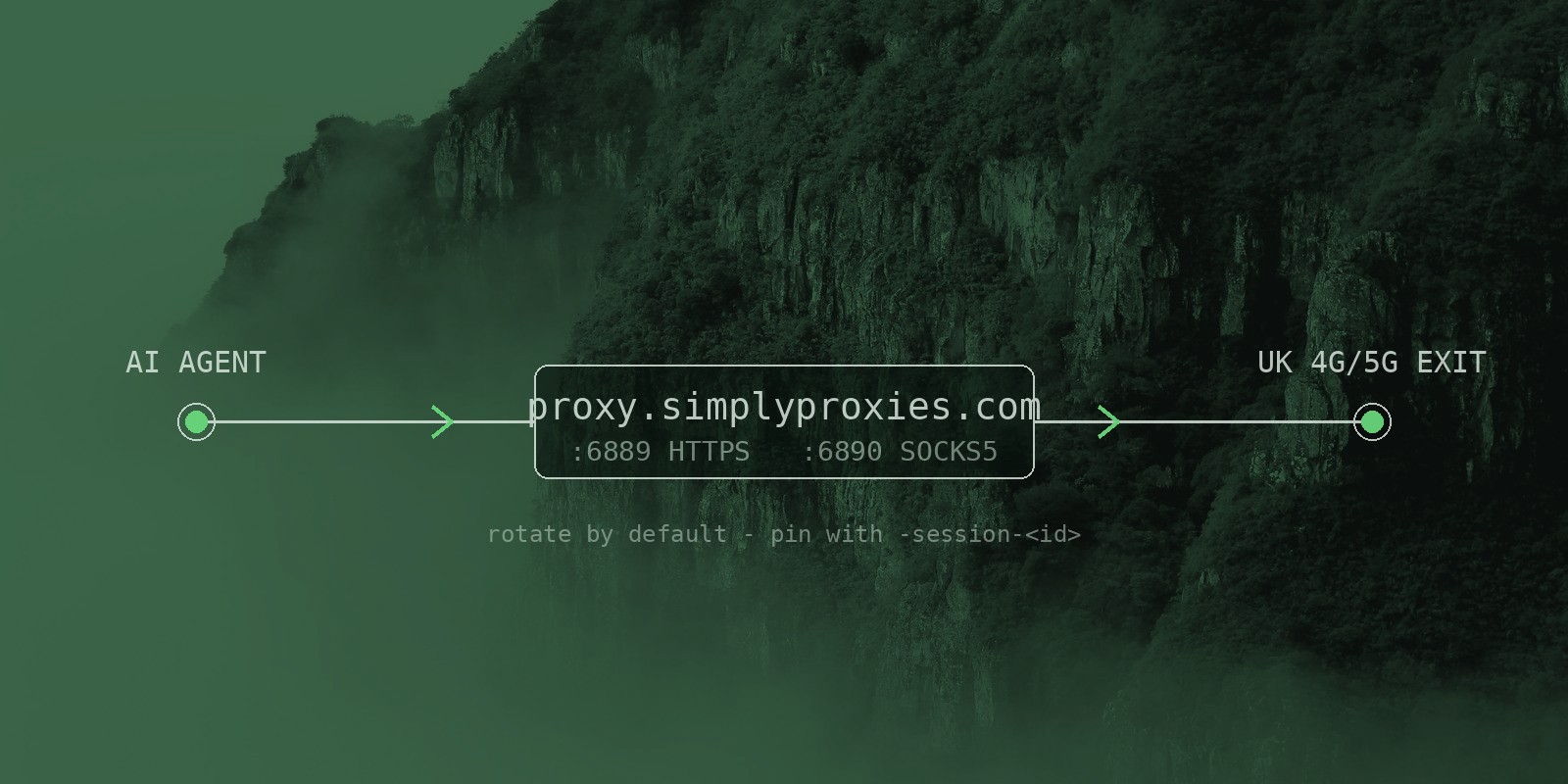
The endpoints are standard HTTPS and SOCKS5 with username/password auth:
| Protocol | Endpoint |
|---|---|
| HTTPS | proxy.simplyproxies.com:6889 |
| SOCKS5 | proxy.simplyproxies.com:6890 |
Most agent runtimes, scrapers, and CLIs honour the standard environment variables, so no code changes are needed at all:
export HTTPS_PROXY="https://USER:PASS@proxy.simplyproxies.com:6889"
export https_proxy="https://USER:PASS@proxy.simplyproxies.com:6889"
# SOCKS5 alternative:
# export ALL_PROXY="socks5h://USER:PASS@proxy.simplyproxies.com:6890"
Verify the exit in one line (expect a UK IP and a mobile carrier in any whois lookup):
curl -x https://USER:PASS@proxy.simplyproxies.com:6889 https://api.ipify.orgReplace USER and PASS with your Dashboard credentials. If the password contains special characters, URL-encode them in the connection string (@ becomes %40).
Python: a fetch function with retries
Agents meet transient blocks and timeouts more often than interactive users, so build retries with backoff in from the start:
import requests, time

PROXY = "https://USER:PASS@proxy.simplyproxies.com:6889"

def fetch(url: str, tries: int = 3) -> str:
    proxies = {"http": PROXY, "https": PROXY}
    for attempt in range(tries):
        try:
            r = requests.get(url, proxies=proxies, timeout=15)
            r.raise_for_status()
            return r.text
        except requests.RequestException:
            if attempt == tries - 1:
                raise
            time.sleep(2 ** attempt)  # 1s, 2s, 4s backoff

print(fetch("https://api.ipify.org"))
Each retry naturally lands on a different exit device by default (rotation), which is exactly what you want when a block was IP-specific.
Playwright (and headless browsers)
For JS-heavy targets, drive a browser through the proxy. Playwright takes proxy config at launch:
from playwright.sync_api import sync_playwright

with sync_playwright() as p:
    browser = p.chromium.launch(
        proxy={
            "server": "http://proxy.simplyproxies.com:6889",
            "username": "USER",
            "password": "PASS",
        }
    )
    page = browser.new_page()
    page.goto("https://api.ipify.org", timeout=30000)
    print(page.inner_text("body"))
    browser.close()
The same pattern works in Puppeteer, Selenium (see the docs page), and most agent frameworks that wrap a headless browser.
Rotate or pin? Choosing per task
By default every connection rotates across the device pool: best for bulk fetching, SERP checks, price scraping. When a flow breaks because the IP changes mid-session (logins, baskets, account dashboards), switch that flow to a sticky session by appending -session-<id> to the username:
| Agent task | Mode | Username |
|---|---|---|
| Bulk page fetching, monitoring | Rotate (default) | USER |
| Logged-in session, multi-step flow | Sticky, 2 h window | USER-session-myagent |
| Long session (up to 12 h) | Sticky, custom window | USER-session-myagent-720 |
Pick any session id and reuse it to keep the same exit IP; the window refreshes while the session stays active. Sticky sessions are free and work identically on HTTPS and SOCKS5.
A minimal price-watcher loop
Putting it together: a small agent that checks a price page every 30 minutes, retries on failure, and stops at a spend cap. Traffic is metered as upload plus download, so a byte budget is the simplest guardrail:
import requests, time

PROXY   = "https://USER:PASS@proxy.simplyproxies.com:6889"
STICKY  = "https://USER-session-watch:PASS@proxy.simplyproxies.com:6889"
TARGET  = "https://example.com/product/12345"
BUDGET  = 50 * 1024 * 1024   # stop after ~50 MB
spent   = 0

def fetch(url, proxy):
    r = requests.get(url, proxies={"http": proxy, "https": proxy}, timeout=15)
    r.raise_for_status()
    return r.text

while spent < BUDGET:
    try:
        # sticky: the site sees one consistent visitor
        html = fetch(TARGET, STICKY)
        if "out of stock" not in html:
            print("in stock at", time.strftime("%H:%M"))
    except requests.RequestException:
        # rotate on failure: retry from a different exit IP
        try:
            fetch("https://api.ipify.org", PROXY)
        except Exception:
            time.sleep(60)
    time.sleep(1800)
    spent += len(html.encode()) if html else 0
Ten lines of glue give you geo-accurate results, a coherent visitor identity, and automatic IP diversity on failure: the three things an autonomous fetcher usually lacks.
Cost control habits for agents
- Meter both directions. Upload and download both count, and agent payloads (long prompts, JSON responses) are heavier than they look.
- Cache aggressively. Store fetched pages and re-parse instead of re-fetching; most monitoring jobs need far fewer fresh fetches than they perform.
- Set hard timeouts. A hung fetch through any proxy burns wall-clock and risks duplicate retries.
- Stay sticky when logged in. Re-authenticating after every rotation wastes bytes and looks suspicious.
- Cap the loop. A byte or request budget (like
BUDGETabove) turns a runaway agent into a bounded one.
Checklist before you send an agent live
- Confirm the exit IP is UK and mobile-grade (curl the check URL, then any ASN lookup).
- Decide rotate vs sticky per flow, and name session ids after the flow (not the run).
- Add retries with exponential backoff; treat 429 and 403 as "back off", not "retry now".
- Set a byte budget and a per-run page cap.
- Log the exit IP with each result so anomalies are debuggable.
If you are evaluating providers for agent work, our provider evaluation guide covers the questions worth asking before committing; the docs page has copy-paste setups for cURL, Node.js, Scrapy, and Selenium.
Try It With Your Own Agent
Get 500 MB free, no card required: point your agent at a real UK mobile IP and watch its fetches succeed where datacentre IPs get blocked.
Start Free Trial